CALORIE TRACKING
Calorie Tracking That Shows Its Work
Your choice of RMR formula. Configurable deficit. Customizable daily summary bar. Most trackers hide the math. This one doesn't.
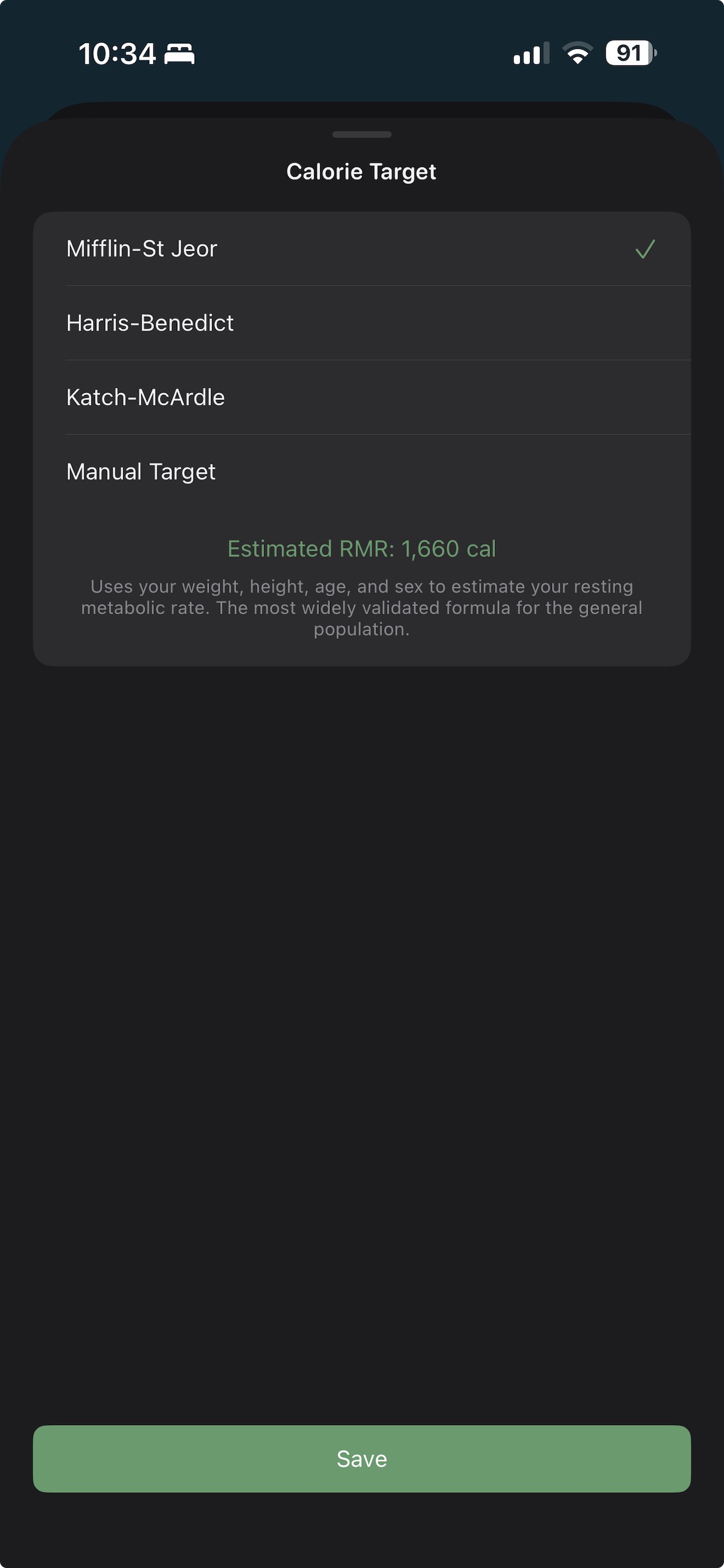
Your choice of RMR formula. Configurable deficit. Customizable daily summary bar. Most trackers hide the math. This one doesn't.
Set your profile (age, height, sex, and activity level) and choose your RMR formula in Settings → Calorie Target.
Log food by search, barcode scan, or recent entries. Macros are tracked automatically for every entry.
Your deficit or surplus updates in real time throughout the day, using the exact formula you chose.
How do I change my calorie target formula?
Open Settings → Calorie Target → choose Mifflin-St Jeor, Harris-Benedict, Katch-McArdle, or Manual Target. The change takes effect immediately.
How do I set a manual calorie target?
Settings → Calorie Target → Manual Target → enter your number. The app will use that number as your daily target instead of calculating from your profile.
How do I include or exclude workout calories from my deficit?
Settings → Deficit Calculation → toggle "Include workout calories." When on, logged workout calories increase your daily deficit (you can eat more). When off, they don't.
Can I customize the stats shown in the daily summary bar?
Yes. Long-press the summary bar at the top of the Today view to enter edit mode. Drag tiles to reorder, tap × to remove, or tap + to add from the catalog.
Can I edit the time of a logged food entry?
Yes. Tap any food or drink entry to open it. A time field lets you adjust when it was logged.
$4.99. One-time purchase. Syncs privately via your own iCloud.